
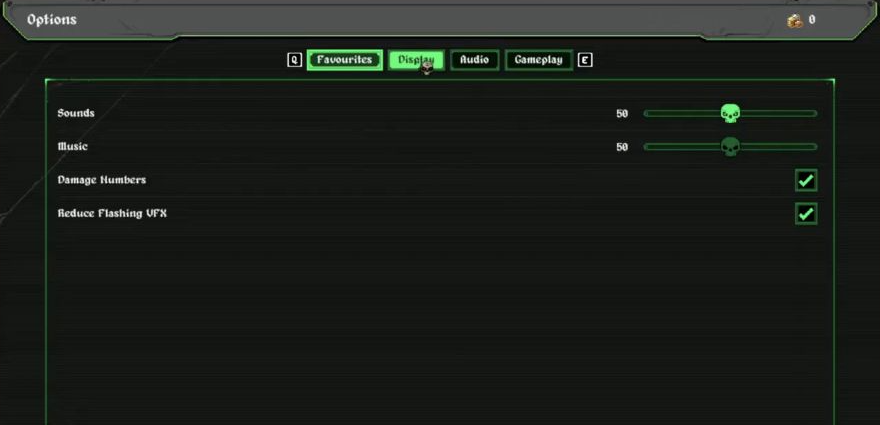
Settings shown on the screen
| Setting | Control shown |
|---|---|
| Sounds | Volume slider |
| Music | Volume slider |
| Damage Numbers | Checkbox |
| Reduce Flashing VFX | Checkbox |
Use the labels above to find the setting you want. The screenshot shows the two checkboxes enabled; it is not a recommended preset or a measurement of their effect.
Looking for language or control bindings?
The menu above is a display-and-audio reference. It does not provide a keybinding, mouse-aim or language-switching walkthrough. You can check the PC requirements and supported interface languages before choosing the demo for your setup.